
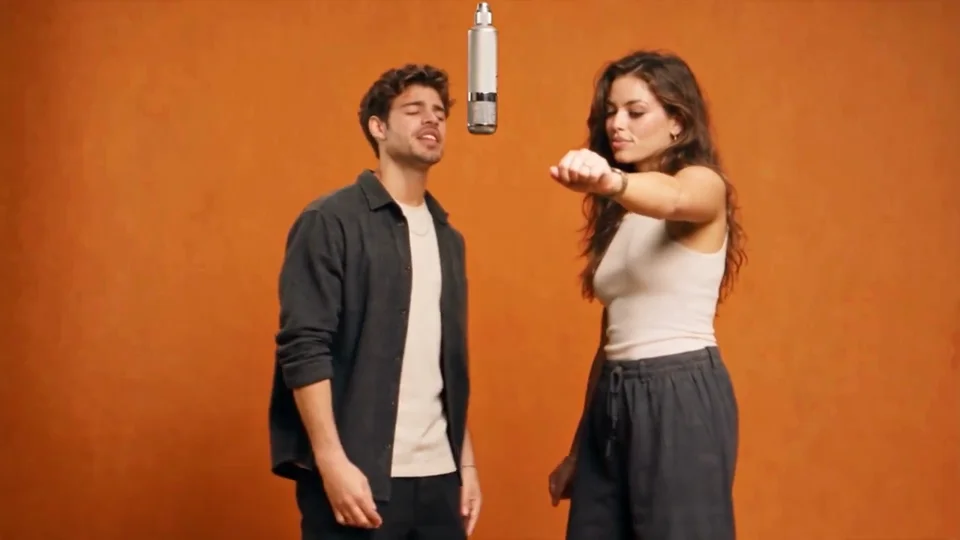
Hotel Lobby
A hanging-microphone duet with back-and-forth timing in an orange studio.
Photo in, meme video out — four templates to start with.
Watch the references. Make your choice.
An AI meme video generator turns a still photo into a short, shareable clip. Instead of cutting and keyframing by hand, you choose a reference routine and supply the photo that will play its main character. The scene already has a visual joke: the hanging microphone in Hotel Lobby, the dramatic phone selfie in Suit Cat, the tiny steps in Tip Toein’ in My Jordans, or the expressive paws in Bad Times. Watch the whole reference before choosing. A single frame can show a face, but the movement explains the timing and the kind of photograph the scene needs.
This AI meme generator is built around those specific performances. Start with the expression or interaction you want to share, then open the matching page to see its reference, photo guidance and creation area. A clean face gives the model a readable identity to work with; a body or paw gesture also needs enough room in the source photograph. Good lighting and a simple composition are useful starting points. They do not guarantee a particular likeness, exact gesture, soundtrack or finished result, and the supplied clips are references rather than proof of output from this service.
You can browse before signing in or uploading anything. On an available template, the same page lets you select photos, choose video quality and check the current credit cost before submitting. Availability belongs to the individual template, so an illustrated reference does not automatically mean its workflow is open. The route from photo to meme video should begin with a suitable picture and a clear idea of the scene. If you only have a close portrait, start with a face-led performance; if the feet carry the joke, find a wider photograph first.
Choose a scene for the photo you have. Each card opens a reference clip, specific photo tips and the creation workspace.
4 templates to explore
A hanging-microphone duet with back-and-forth timing in an orange studio.
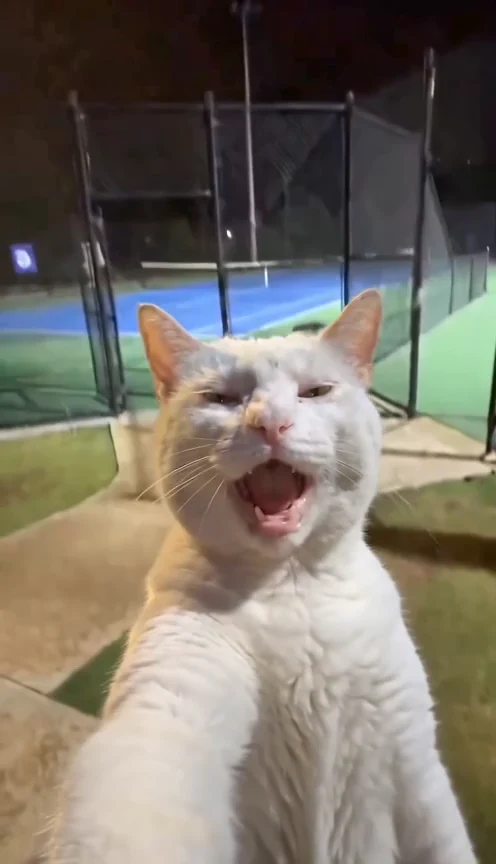
An exaggerated selfie reaction against a fixed night-court setting.
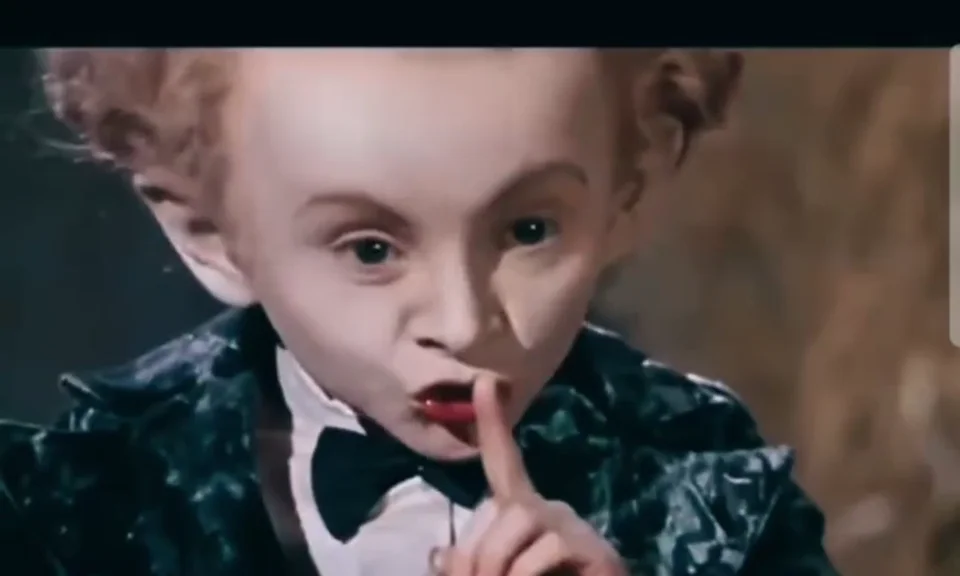
Tiny steps and formal clothes turn a solo entrance into the joke.
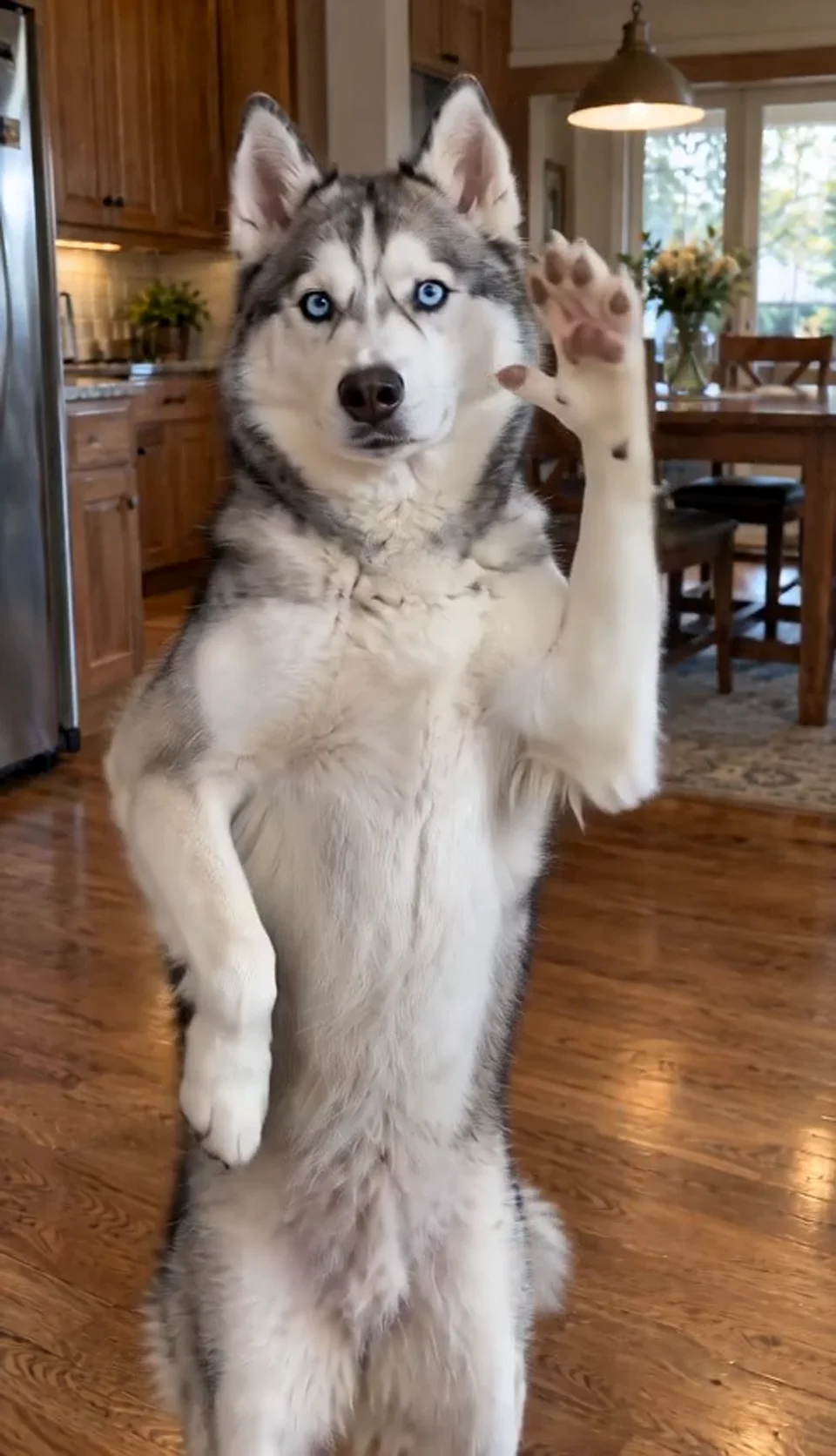
A kitchen pet reaction with a steady stare and expressive front paws.
Reference videos supplied for this collection. Generation opens per template when available.
Play the full reference on its detail page and decide what carries the joke: an interaction, a facial reaction or a movement. Look at the character positions and the space around them. Then read that page’s photo requirements before choosing an image. The four scenes use different framing, so picking the scene first is often easier than trying to force the same crop into every performance. The full collection gives you a direct link back to each reference whenever you want to compare.
Choose photos you are allowed to use, with one clear subject in each image. The selected template determines the actual photo roles; its detail page explains where each image belongs. Check the local preview for a visible face and suitable framing. That preview may fill its frame, but generation uses your original image. Selecting a file alone does not publish it or add it to the public collection.
Sign in on the template page, choose one of its available quality options and review the displayed credit cost. When you submit, the page uploads the photos and saves the request if the template is connected. Follow progress there or in your account, then preview and download a completed, deliverable result. Keep the page open until the request is saved. If a photo is rejected, use the explanation to choose another image rather than repeatedly submitting the same one.
It turns an authorized photo into a short performance using a prepared template. This collection introduces Hotel Lobby, Suit Cat, Tip Toein’ in My Jordans and Bad Times, with reference clips and photo guidance for each.
Open a template to check its live availability. Generation requires a published template and an active media service; a reference video alone does not mean that generation is open. Supported photo roles and quality options are shown in that page’s creator. Before live generation is enabled, results shown are labelled fixed samples and are not generated from your photo.
Choose Hotel Lobby for a two-character studio performance, Suit Cat for an expressive selfie, Tip Toein’ in My Jordans for a playful full-body dance, or Bad Times for a husky reaction with expressive paw gestures. Each page explains its own scene and photo requirements.
They are supplied reference videos, not a claim of results generated by this website. The Suit Cat page shows a supplied human character-replacement example, while the original cat inspired the routine. Actual generated faces, movement and audio can vary.
The reference clips run for around 10–15 seconds; that is playback length, not rendering time. Generation timing depends on the active service. Follow the request status on the template page or in your account.
Completed, deliverable results are available to their owner through the media workspace. Public examples do not grant rights to the original footage or music; use material you are authorized to share.
Selecting a photo previews it locally. It is uploaded only when you submit an available template while signed in. User media is private by default and is not automatically added to this collection.
Browsing pages and reference videos is free. When a generation template is available, its button displays the current credit price. Credit packs are one-time purchases, not subscriptions; no free generation allowance is promised.
An AI meme generator is most useful when the photo and the joke belong together. Pick a scene, read its photo advice and check the live creation options. Your camera roll may already have a clear portrait, a full-body entrance or a pet reaction waiting for the right moment.